iPhone · iPad · Mac
Your health story, in one place.
Log symptoms, medications, food, exercise, vitals, appointments, and more. Built for day-to-day tracking — and for sharing clear summaries with your care team.
Your journal stays in your iCloud account. This website is static — it never sees your health data.
Built for real life
From a quick one-tap log to physician-ready PDFs — everything stays organized, searchable, and under your control.
-
One-tap logging
Pull down on the Dashboard for Log now and Log again — pain, stress, bowel, weight, meds, food, sleep, and more without full forms.
-
Dashboard & Insights
Today’s numbers, timeline rows, and category insights surface patterns — pain trends, sleep averages, food ratings, and more.
-
Conditions hub
Anchor your journal around medical conditions. Cross-link logs, review overlaps, and optional AI summaries across your history.
-
Reports & export
Generate physician-ready PDFs on your device. Share exactly what you choose — nothing leaves your control.
-
Works offline
Browse, log, and open Insights from on-device data with no connection. Changes queue locally and sync when you’re back online.
-
Simple start
New users pick focus categories, get a calmer Dashboard, and shorter forms with “More options” when they need depth.
See your day at a glance
The Dashboard brings together today’s KPIs, a chronological timeline, upcoming appointments, and optional health strips — all in one scroll.
- Today, Yesterday, and Last week stat cards
- Colored timeline bullets matching each category
- Medical conditions promo on Home when you’re getting started
- What’s new highlights after each update
Deep insights, category by category
Every category has its own list, filters, and Insights tab. Food includes FODMAP reference and AI analysis. Cycle tracking links related logs across pain, sleep, stress, and more.
- Conditions hub with 90 / 180 / 365-day AI lookback
- Food ratings: Safe, Testing, Problematic
- Menstrual cycle phase patterns and PDF reports
- Stat cards that wrap cleanly on any screen size
What's new in 2.5.27
Latest highlights from the app—synced with each release.
- One-tap — Log now & Log again: Pull-down One-tap adds Log now for pain, stress, bowel (Bristol), weight, and optional Symptom / Mood level pickers, plus Log again rows to repeat your latest entry per category without opening a full form. Timeline Log again also covers sleep, food, meds, physio, and optional health.
- Dark appearance only: Medical Tracker always uses dark mode; Settings → Appearance and per-category icon/color customization are removed.
- Quick log: Shortcuts appear only inside the One-tap panel (the Quick log placement setting is removed).
- Optional health: Hide from Dashboard toggles are removed — when a category is enabled, its Dashboard KPI cards and rolling-week strip show when you have data.
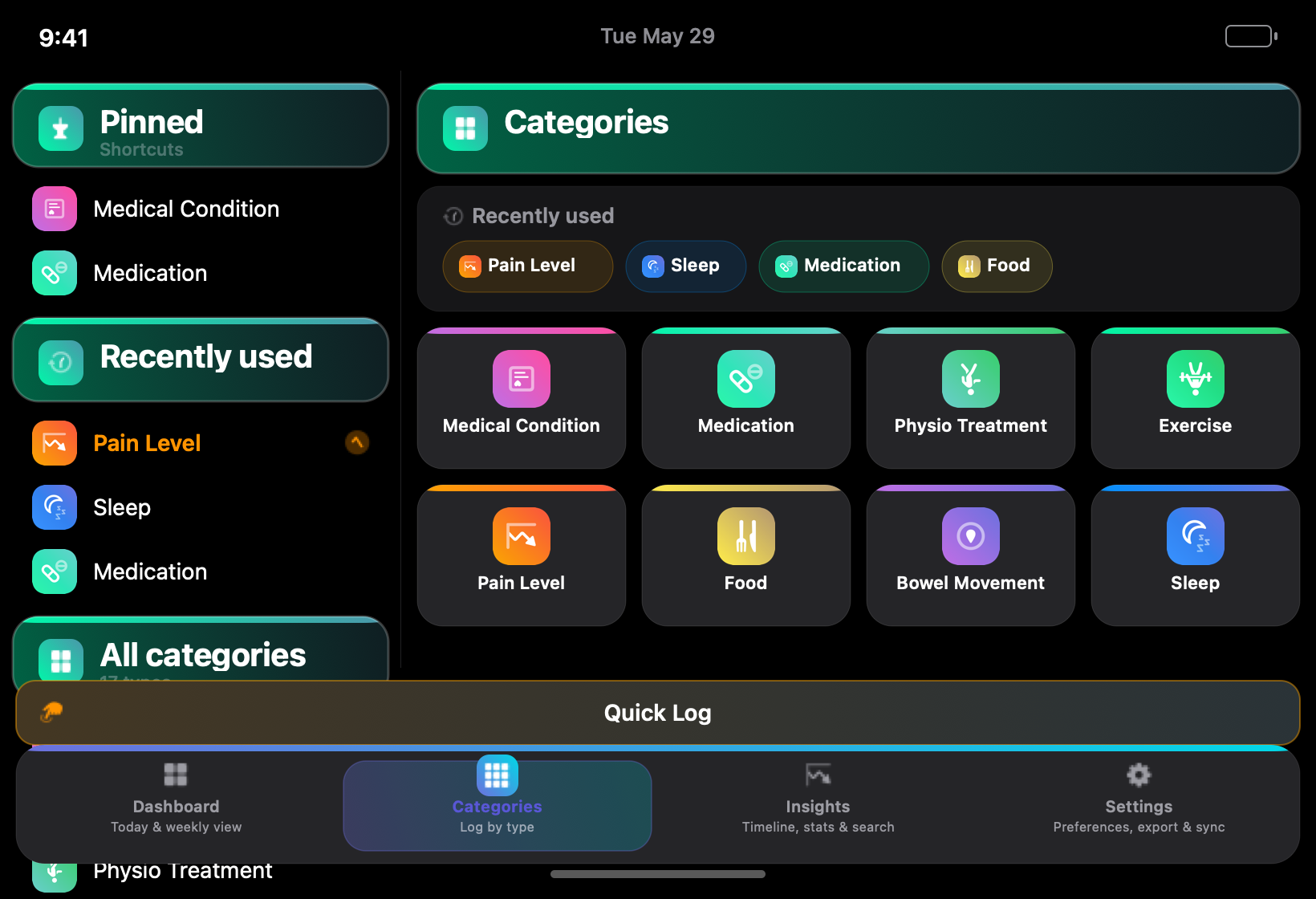
- Show all categories: Tapping the button on the Categories grid now reveals every enabled type immediately (clears Simple start focus without turning off Simple start).
- Help & app tour updated for One-tap logging, dark-only UI, Quick log placement, and optional health settings.
Release notes
Main changes for each app version — synced from the ship log. 300 releases
Version 2.5.27 Build 281
- One-tap — Log now & Log again: Pull-down One-tap adds Log now for pain, stress, bowel (Bristol), weight, and optional Symptom / Mood level pickers, plus Log again rows to repeat your latest entry per category without opening a full form. Timeline Log again also covers sleep, food, meds, physio, and optional health.
- Dark appearance only: Medical Tracker always uses dark mode; Settings → Appearance and per-category icon/color customization are removed.
- Quick log: Shortcuts appear only inside the One-tap panel (the Quick log placement setting is removed).
- Optional health: Hide from Dashboard toggles are removed — when a category is enabled, its Dashboard KPI cards and rolling-week strip show when you have data.
- Show all categories: Tapping the button on the Categories grid now reveals every enabled type immediately (clears Simple start focus without turning off Simple start).
- Help & app tour updated for One-tap logging, dark-only UI, Quick log placement, and optional health settings.
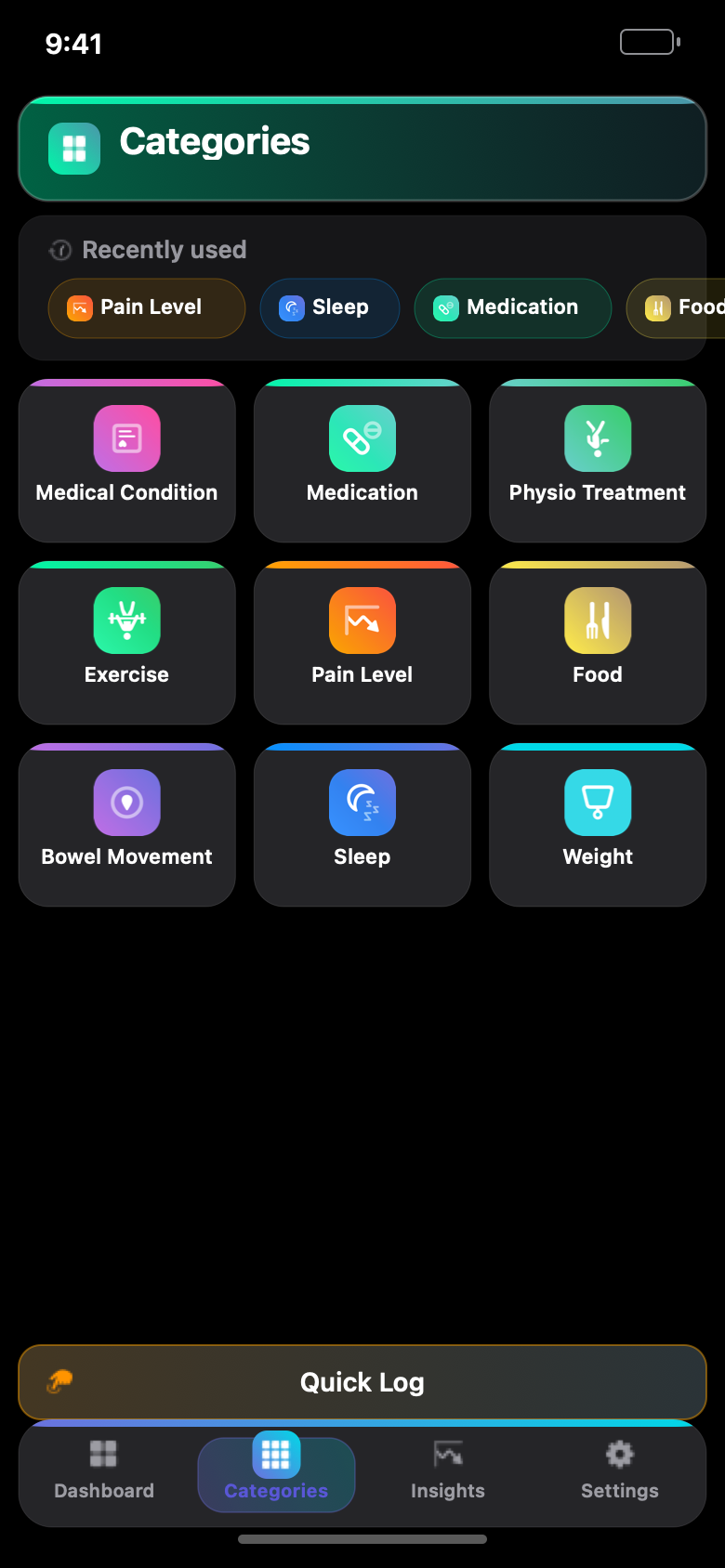
17 categories — enable what you need
Start with a focused set or turn on everything. Optional categories like Symptoms, Digestive, Energy, and Mood stay hidden until you enable them.
Your data stays yours
Medical Tracker stores your journal in your Apple iCloud account via CloudKit. The developer does not operate a central database of your health entries.
Read privacy policyAvailable on your Apple devices
A native SwiftUI app for iPhone and iPad, with a Mac companion for logging and review at your desk.
Coming to the App Store. Join TestFlight when invitations are available, or check back here for the download link.